One Command Dev Environments
At Dexter, we use Codex and Claude Code a lot, both in the terminal and in the cloud. And it’s not just engineers writing code. My cofounders regularly spin up the app locally to tweak features or demo new prototypes.
The problem? Getting anyone to run your app locally is always a mess. You need the right version of Node, Python, Ruby, Postgres, Redis, and whatever else your stack depends on. You end up teaching people how to install brew, nvm, uv, bundler, and so on. Total time sink.
I used to tell teammates to just “ask Codex to fix it.” It works, but it also leaves everyone’s local environment in worse shape than before.
A better way
Turns out, a great dev environment isn’t rocket science. You just need a bit of Docker and Bash.
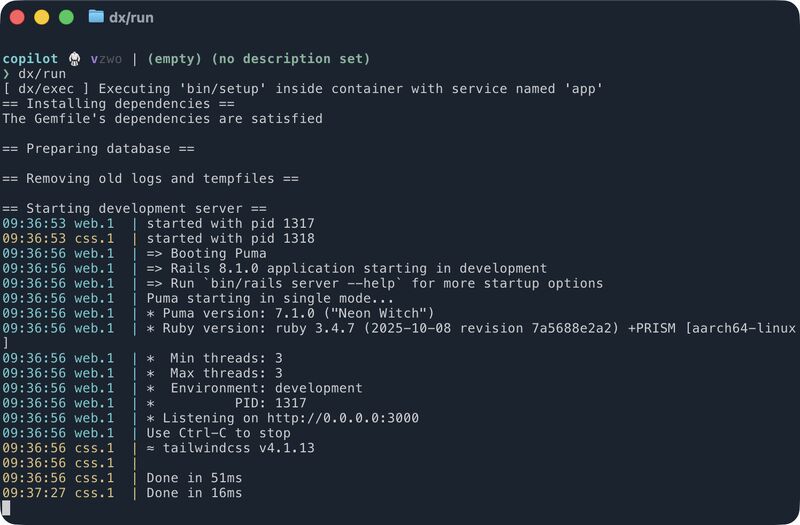
Now, to start our app, you just run:
$ dx/run
That command builds a dev container, starts Docker Compose, and launches the app — consistently. On laptops, in CI, in the cloud, or even inside an agent’s container. It just works.
Why this matters
It’s a huge time saver. No more “works on my machine.” Everyone gets the same environment, whether they’re an engineer, a founder demoing a prototype, or a coding agent running in a container.
If you’re curious about building something similar, I highly recommend the book DevBox.